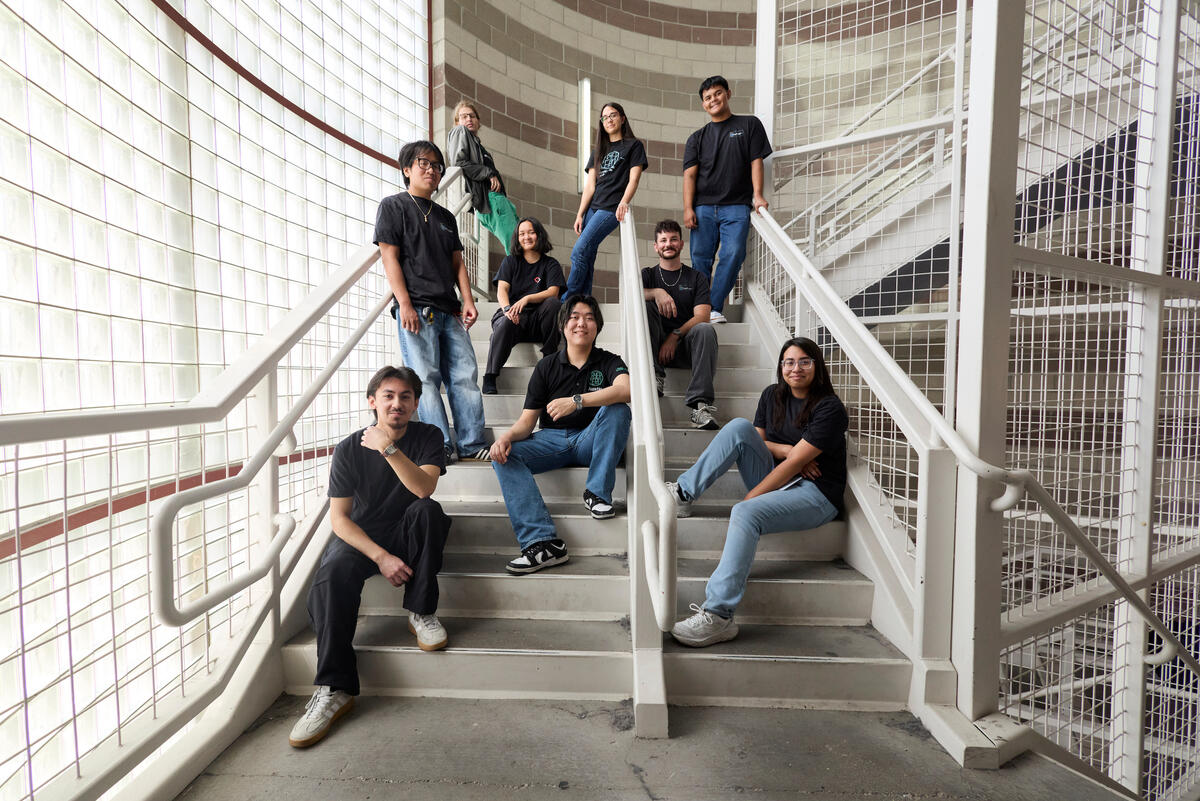
Welcome to the UNLV Computer Science Student Center
This site provides new and returning students with information about the UNLV Computer Science instructional labs, remote access, and available IT resources. It is also a work-in-progress, eventually replacing tux.cs.unlv.edu
Computer Labs
Below are the campus lab locations for Computer Science students. For more details, visit the UNLV CS Computer Labs page .
- TBE B361 – Department of Computer Science Lab
- TBE A301 – Software Engineering & Media Lab
File Storage Resources
-
Provided File Storage
Students have access to individual file storage, allowing you to store and back up your work and access it both on and off campus. You can learn more at UNLV IT File Storage. -
On-Campus Access Options
- Log in from a campus lab computer to access your home directory directly.
- Web access through rebelfiles.unlv.edu (recommended for most students).
-
SSH into
cyrus.cs.unlv.eduusing your ACE ID.ssh <your-ACE-username>@cyrus.cs.unlv.edu
-
Off-Campus Access Options
- Web access through rebelfiles.unlv.edu (recommended for most students).
-
Connect to the
UNLV VPN
SSH into
cyrus.cs.unlv.eduusing your ACE ID.ssh <your-ACE-username>@cyrus.cs.unlv.edu
-
Video Tutorial
Walkthrough on using UNLV's File Resources:
Remote Desktop (Horizon) Tutorial
UNLV students can remotely access virtual machines using Omnissa Horizon Client. This allows you to run software provided in campus labs from your personal computer, including VirtualBox for running programs in Linux.
-
Step 1: Download the Horizon Client
Download and install the Horizon Client for your operating system: Omnissa Horizon Client Download -
Step 1.5: Connect to the UNLV VPN if off-campus
If you are off campus, you need to connect to the UNLV VPN to use this service. You can also review UNLV VPN setup instructions.
(See tutorial below if you need assistance with this.) -
Step 2: Allow Peripheral Access
If/when prompted, allow access to peripherals such as your keyboard, mouse, microphone, and audio output.
(If you deny this, you will not be able to properly interact with the virtual desktop.) -
Step 3: Connect to the UNLV Server
Launch the Horizon Client and enter the following server name:workspaces.unlv.edu -
Step 4: Log In
Sign in using your UNLV ACE account credentials. -
IMPORTANT: Save Your Work Correctly
ALL WORK MUST BE SAVED TO THEY:DRIVE- Files saved anywhere else are stored only in memory.
- Any unsaved or improperly saved files will be permanently deleted when you log out.
-
File Storage Help
Need help saving files (especially to theY:drive)? Jump to the File Storage Resources section for details and the full walkthrough video.
Support & Resources
On-Campus Resources:
- UNLV Academic Calendar — Campus events, closures, and other important dates.
- UNLV Campus Map — Search for specific buildings and find parking.
- UNLV College of Engineering Advising Center — Academic advising and personalized course planning.
- UNLV Academic Success Center — Tutoring, workshops, and student success programs.
- UNLV Disability Resource Center — Accommodations and accessibility resources for students.
- UNLV Computer Science Department Staff Directory — Contact information for faculty and staff.
Recommended Software for CS Students:
- Visual Studio Code IDE — Versatile and lightweight code/text editor. You can use this IDE for almost all courses.
- JetBrains IDEs — Powerful and feature-rich IDEs that focus on specific languages. The most useful ones are: CLion (C++), IntelliJ IDEA (Java), and PyCharm (Python). Free for students, just use your UNLV Google account to sign up.
- Eclipse — Open-source IDE primarily for Java development.
- Python — Used in some CS electives. Useful for data analysis, machine learning, and personal projects.
- Java Development Kit (JDK) — Required for programming in Java.
- Git / GitHub — Version control system. Useful for collaborative work and/or large projects. Required for some courses.
- WinSCP (Windows) — Secure file transfer and SSH client.
- VMWare Workstation Player (Windows) — Run and manage virtual machines.
- UTM (Mac) — Lightweight virtualization software for macOS.
- VirtualBox — Allows you to make virtual machines to use Linux. Useful for development on a Windows or Mac machine.
- ***PAID*** Parallels Desktop (Mac) — Commercial-grade virtual machine software for macOS.
Recommended Student Organizations
Here are some UNLV RSOs that we recommend you join as we encourage students to get involved on campus.
- Layer Zero — Technical cybersecurity organization focusing on cyber-related workshops, hands-on projects, social events, attend conferences and host guest speaker sessions.
- Cyber Clinic — Offers a comprehensive range of support to help students succeed, such ascertifications, hands-on experiences, and skill development.
- WiCyS — Dedicated to bringing together women in cybersecurity, from academia, research and industry, to share knowledge, experience, networking, and mentoring.
- AI & Data Science Club — Committed to breaking down advanced concepts in machine learning and artificial intelligence through hands-on workshops, insightful talks, and collaborative projects.
- Association for Computing Machinery (ACM) — Works to connect students by hosting workshops, lectures, attending seminars, and competing in regional coding competitions.
- AWS Cloud Club — Aims to provide students with opportunities to learn about AWS services, cloud computing concepts, and hands-on experience through workshops, projects, and networking events.
- Management Information Systems (MIS) Society — All-inclusive platform where classroom theories come to life through practical applications, while fostering invaluable connections within both our student community and the world beyond.
- Society of Automotive Engineers (SAE) Rebel Racing — Designs, builds, tests, and competes in three unique international collegiate vehicle design racing series.
- Forumla Racing — Focused on designing, building, and racing Nevada’s first all electric race car.
- Institute of Electrical and Electronics Engineers — Dedicated to the education of members towards the advancement of the theory and practice of electrical, electronics, communications and computer engineering, as well as computer science, the allied branches of engineering and the related arts and sciences.
- ISACA Student Group — provide guidance and opportunities to students who are preparing for a career with a leadership role in all industries reliant upon and supported by information systems in such topics as cybersecurity, IT audit and risk.
Policies & Rules
Please review the official computing and student use policies for UNLV and NSHE.
Contact & Support
- Email: csadmin@unlv.edu
- Call: 702-895-0777
- Visit the UNLV IT Help Desk for additional support.